When does your shop need an inventory system instead of Excel and a notebook?
4 minute read
Most shops start with a notebook, then a spreadsheet, and that is natural and sensible at first. Excel is an excellent tool, and a notebook needs no electricity. But as items and transactions grow, the file becomes a burden: everyone edits it their own way, the numbers lag behind reality, and nobody is sure what the correct balance is.
So the question is not "is Excel bad?" but "does it still fit the size of your business?". Here are the signs that the time has come.
Signs that Excel is no longer enough
- The balance does not match the shelf: the file says ten pieces, the shelf has three. The cause is usually an unrecorded invoice or a forgotten return.
- Items run out without warning: you learn an item is gone when a customer asks for it, not before.
- You do not know your real profit: you know what you sold, but not what you earned after cost, expenses and damaged goods.
- More than one branch or warehouse: each place has its own file, transfers are written on paper, and nobody knows the total.
- More than one person writing: different copies of the same file, and no way to know who changed what.
- Stock counts are a nightmare: they take a whole day, and afterwards you do not know how to deal with the differences.
If two or three of these keep happening to you, you are most likely losing time and money without seeing it clearly.
What an inventory system changes
The key difference is that the balance in a system is not typed by hand; it is computed from movements. Every purchase invoice adds, every sale deducts, and every return, transfer or write-off is recorded in its place. As a result:
- You know the balance of any item in any warehouse at any time.
- The system warns you about items that fall below their reorder level.
- A transfer between two warehouses or branches is a recorded movement, not a slip of paper that gets lost.
- A stock count becomes entering the actual quantities, then the difference appears and is settled clearly.
- Reports give you sales, purchases and profit for any period.
- Each user has their own permissions, so you know who did what.
Which system fits you?
The choice depends on the nature of your business:
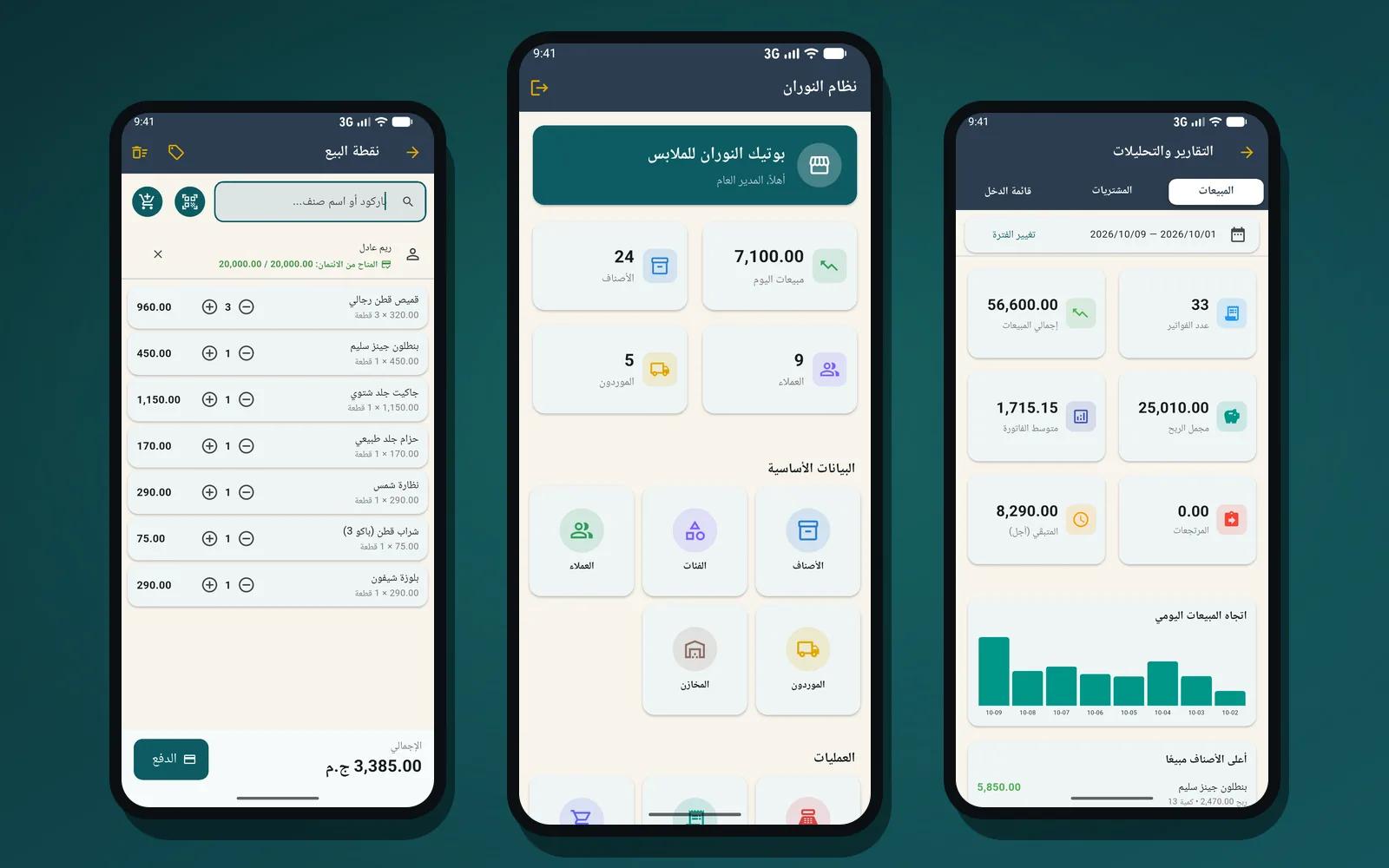
- A small or medium shop without a computer: El Nooran for Android manages stock, sales, purchases, customers and suppliers from the phone, without internet, with balances for every item, low-stock alerts, opening counts, transfers and write-offs.
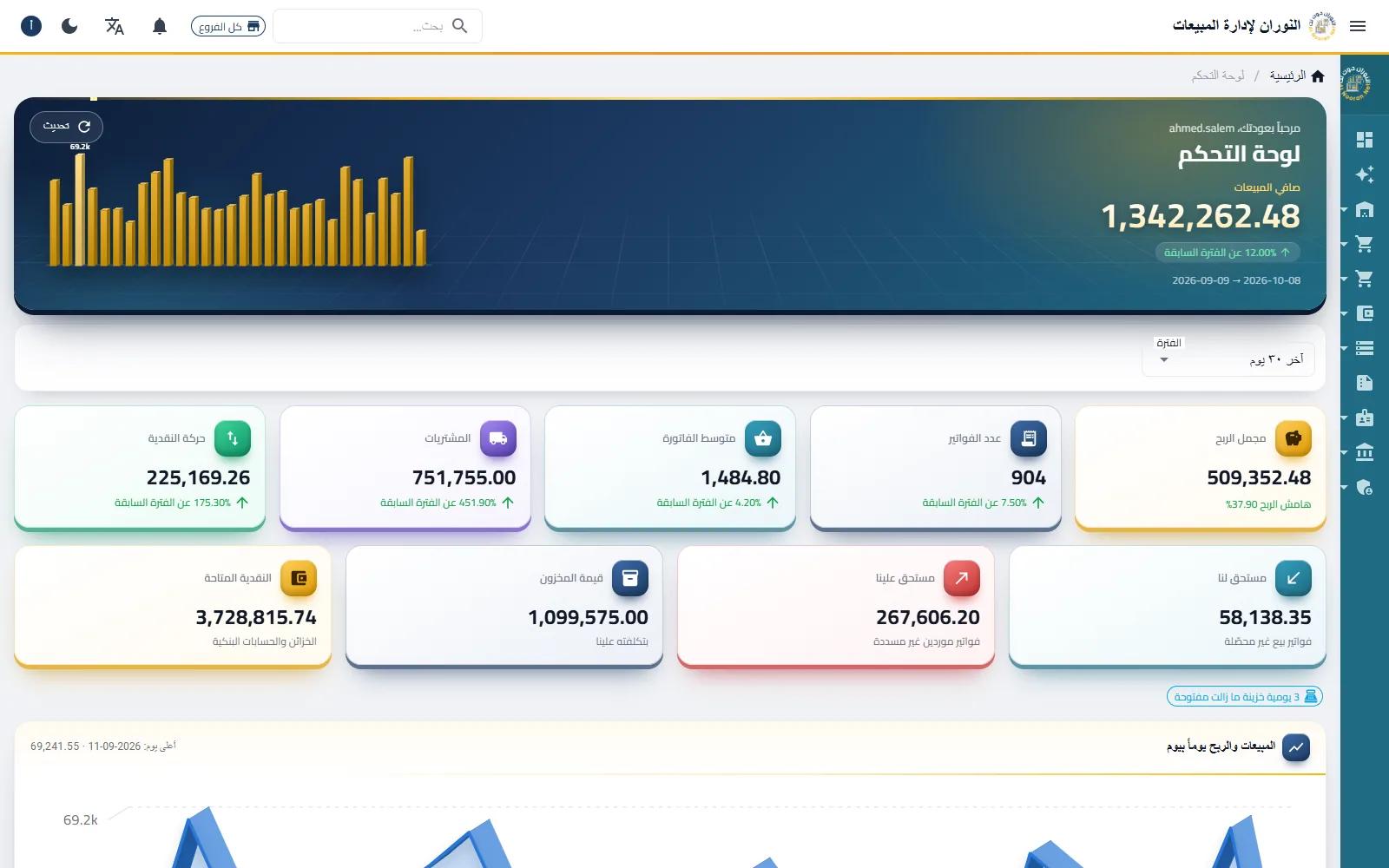
- A growing shop, or one with branches and warehouses: El Nooran on the web brings multiple warehouses, transfers, stock counts, write-offs and barcode labels together with sales, purchasing and accounting in one system.
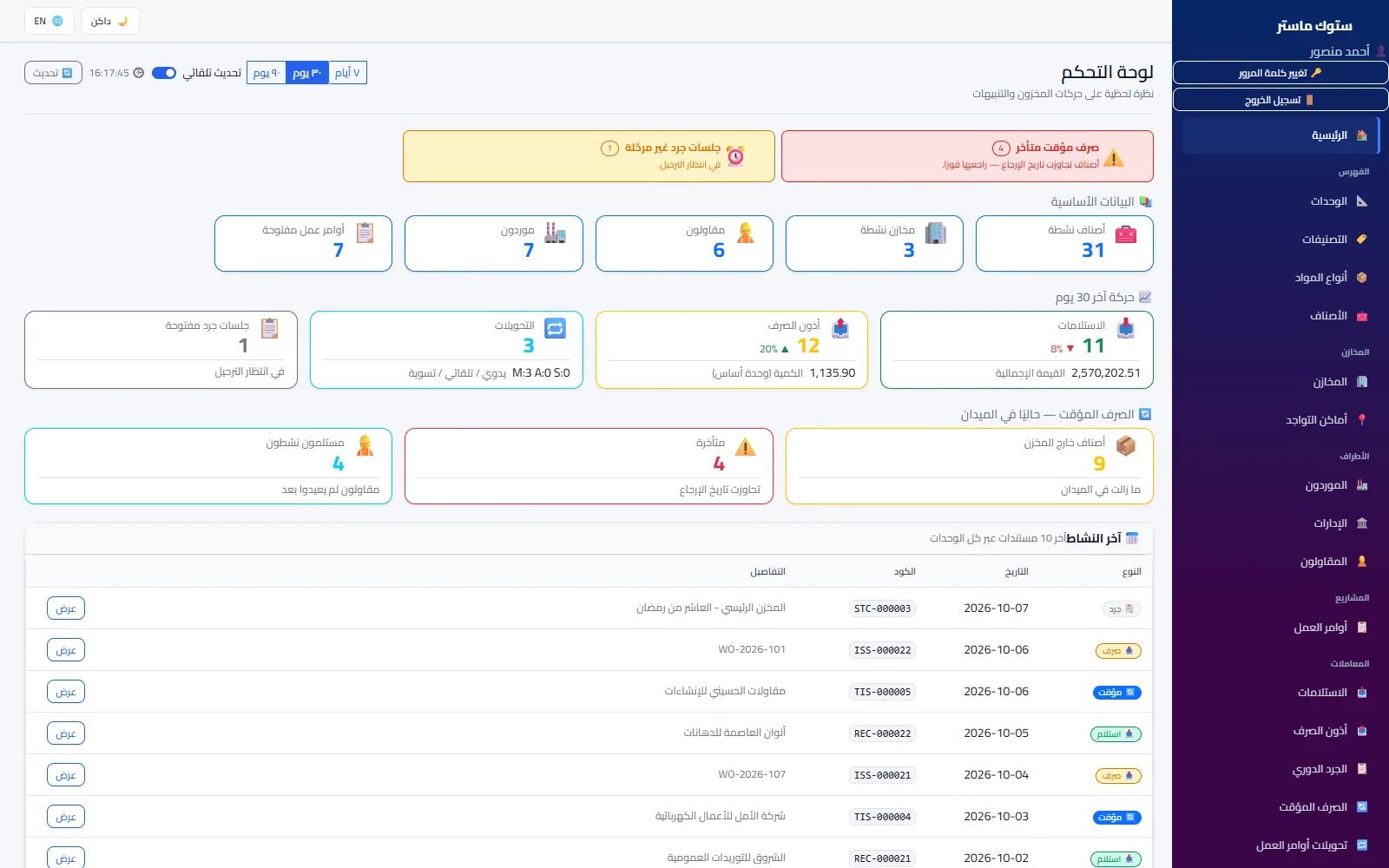
- A company issuing materials to projects or work orders, such as contracting and maintenance: StockMaster fits here, because it links every issue to a work order, a supplier and a store, follows temporary issues, and gives you a statement for every item and every project.
How to move your data without starting from zero
Moving over is easier than most people expect, as long as it is done in order:
- Clean up the item list first: remove duplicates, standardise names and units, and make sure every item has a purchase price and a selling price.
- Import the items if you can: El Nooran on the web supports importing items from an Excel file, so you do not need to type every item again. With the other systems you enter your items together with the opening count.
- Do a real stock count before you start: do not carry over the spreadsheet balances as they are; they are often the cause of the problem. Count what is actually there and enter it as the opening balance.
- Record customer and supplier balances: what you are owed and what you owe, so statements start out correct.
- Pick a clear start date: from that day, every movement is recorded in the system only, and you do not go back to the notebook.
Set aside a quiet day for the move, and ideally do the opening count outside selling hours, so quantities do not change while you are counting them.
My advice: do not try to move years of history. Start today with a correct balance, and the system will build the history for you from now on.
The bottom line
Excel and the notebook served you well at the start, and there is nothing wrong with that. But when the numbers disagree with the shelf, when you do not know your real profit, or when your goods are spread over more than one place, an inventory system becomes a saving rather than a cost. Look at the pages of the systems listed below to see which is closest to your business, or message me on WhatsApp with a sample of the spreadsheet you work with, and we will work out the easiest way to move it over together.