How to choose the right point of sale (cashier) system for your shop
4 minute read
Choosing a cashier system looks like a small decision, but it shapes your whole day: how fast you serve customers, how accurate your stock is, and whether you know what went into the drawer by closing time. Many shop owners pick a program for its screen design or its price alone, and discover months later that it does not fit the way they work.
This article walks through the questions I advise every shop owner to ask before paying, then explains when a phone app is enough and when you need a bigger system.
First: the sale itself has to be fast
The till is where the queue forms, and every extra second per invoice adds up. Ask about:
- Barcode: does the program read barcodes with a normal scanner or the phone camera? Can you print barcode labels for items that have none from the factory?
- Search by name: for small or loose items, you should find the item with a couple of words.
- Held sales: a customer forgot something and went back for it. Can you hold the invoice and serve the next person?
- Returns: is a return a clear step that puts the item back in stock and corrects the accounts, or is it manual work?
- Payment methods: cash and credit, and more than one payment method on the same invoice if your shop needs that.
Second: what happens when the internet goes down?
Many people ignore this question until the connection drops at the busiest hour. Some systems run in the browser and need a connection, which suits an owner with a steady line who wants to follow the shop and its branches from anywhere. Others run entirely on the device without internet, which suits a small shop in an area with a weak signal. What matters is knowing the answer before you buy, and choosing based on your shop's real conditions.
Third: the till must know the stockroom
A cashier program that does not deduct stock is really an expensive calculator. A good system deducts the quantity automatically with each sale, adds it back with each purchase or return, and warns you about items running low before a customer asks for them. Ask about stock counts too: can you enter the actual quantities and see the difference from what the system says?
Fourth: shifts, receipts and reports
If you have more than one cashier or more than one shift, you need to know what each person handed over. Look for:
- Cashier shifts: opening and closing a shift, handing over cash, and reconciling the drawer with the sales.
- Receipts: printing on a thermal printer and, where possible, sending the invoice to the customer on WhatsApp instead of paper.
- Reports: sales for the day and for any period, top-selling items, and most importantly profit, not just sales.
- Permissions: can a cashier give a discount or delete an invoice without approval?
Fifth: support, training and price
A program where nobody answers when something goes wrong will cost you more than its price. Before buying, ask: who will train you and your staff? How do you reach support? And what about backups of your data?
As for price, compare a one-time payment with a monthly subscription against the size of your shop, and ask clearly what the price includes and what it does not. Remember too that e-invoicing is now required for many businesses, so ask whether the program supports it if your business needs it.
A phone app or a full system?
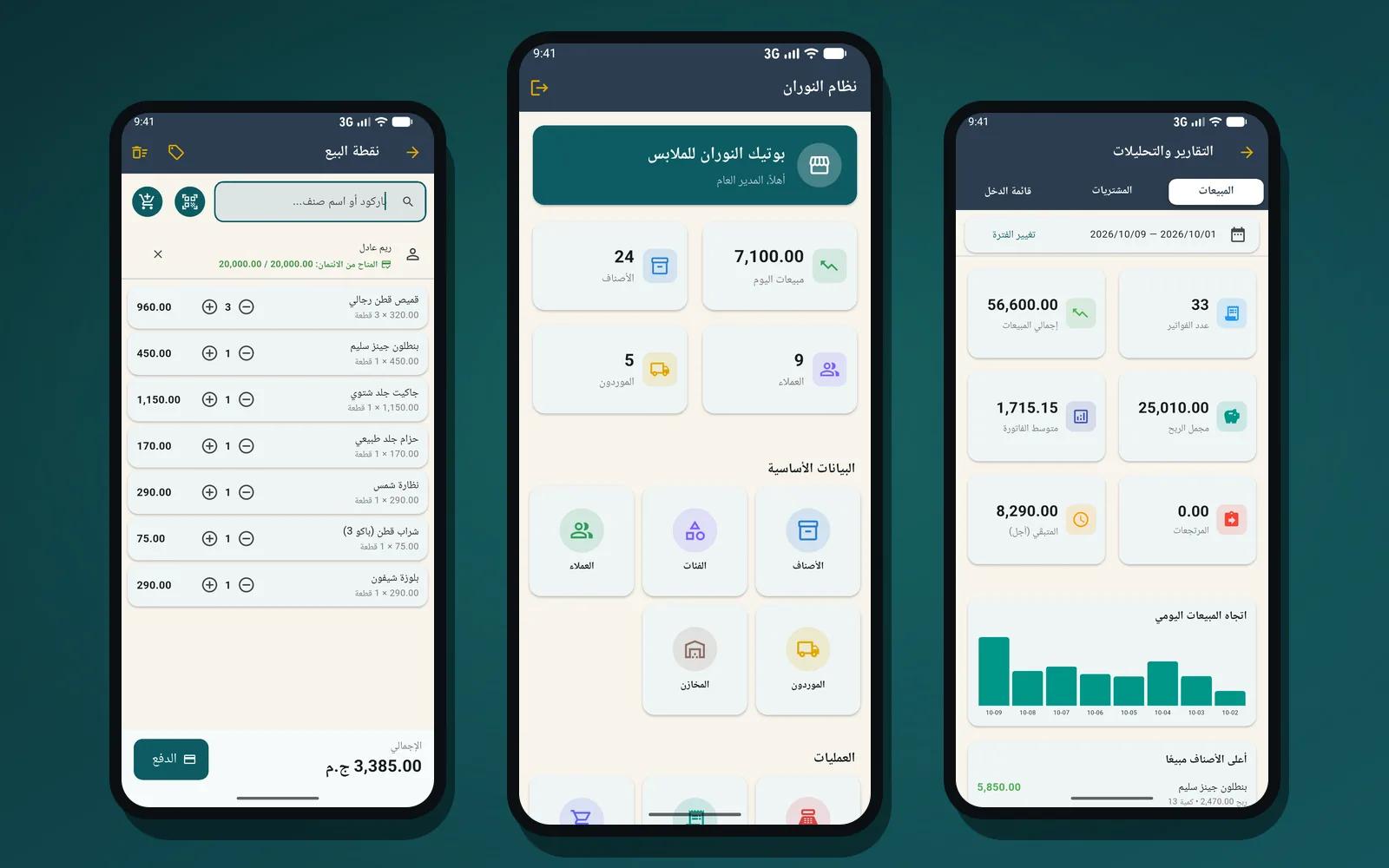
A phone app is enough if your shop is small or medium, you run it yourself or with one or two helpers, and you want neither a computer nor a monthly fee. El Nooran for Android is an example: it runs fully offline with the data on the device, reads barcodes with the camera, sells for cash or credit, prints a thermal receipt or sends it to the customer on WhatsApp, and tracks stock, customers, suppliers, expenses and net profit, with backups.
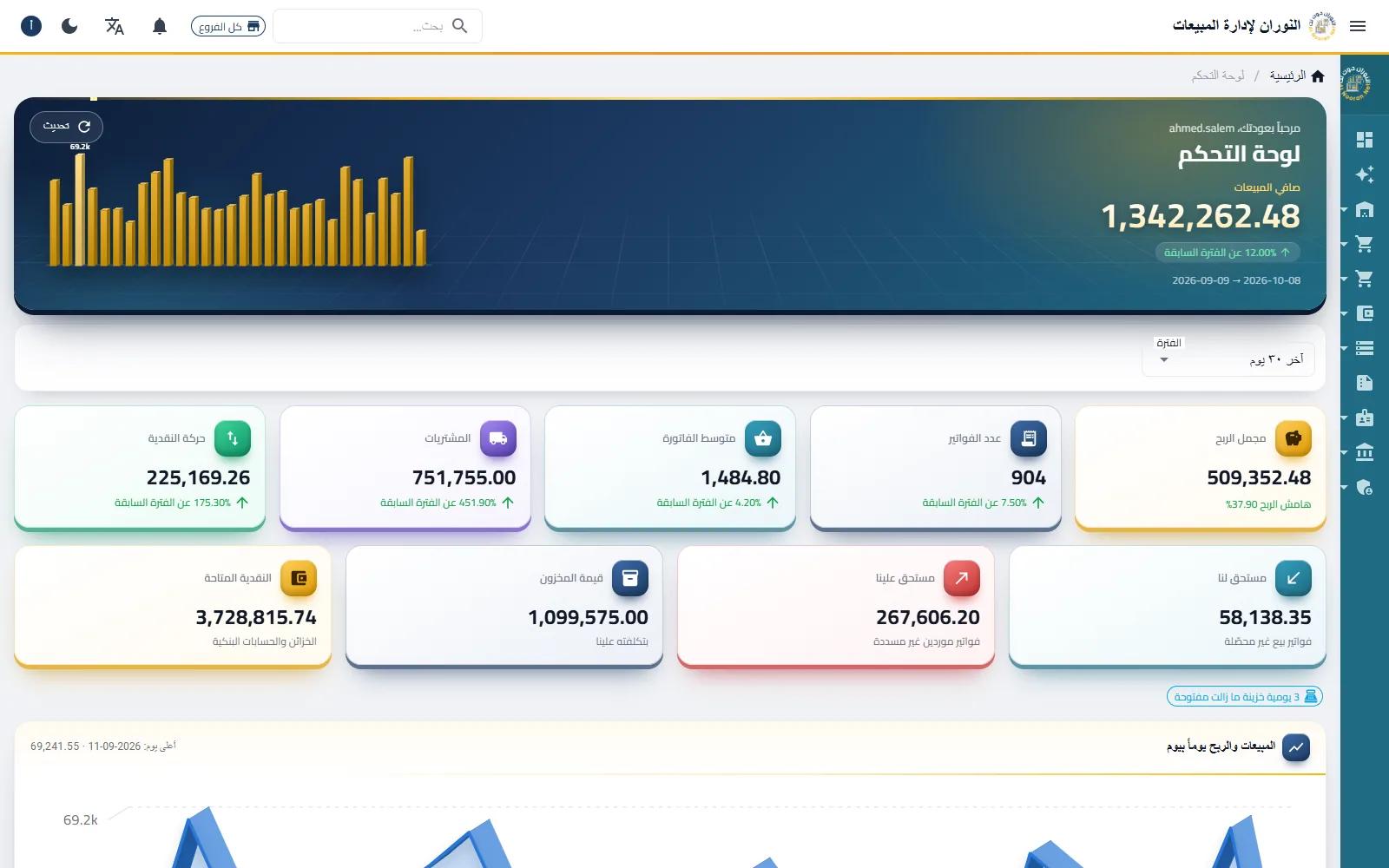
You need a full system when you have more than one branch or warehouse, several cashiers and users with different permissions, or you need accounting, staff, payroll and e-invoicing. That is where El Nooran on the web fits: a touch and barcode point of sale, cashier shifts, warehouses with transfers and counts, accounting and financial statements, and e-invoicing, which you can also follow from your phone.
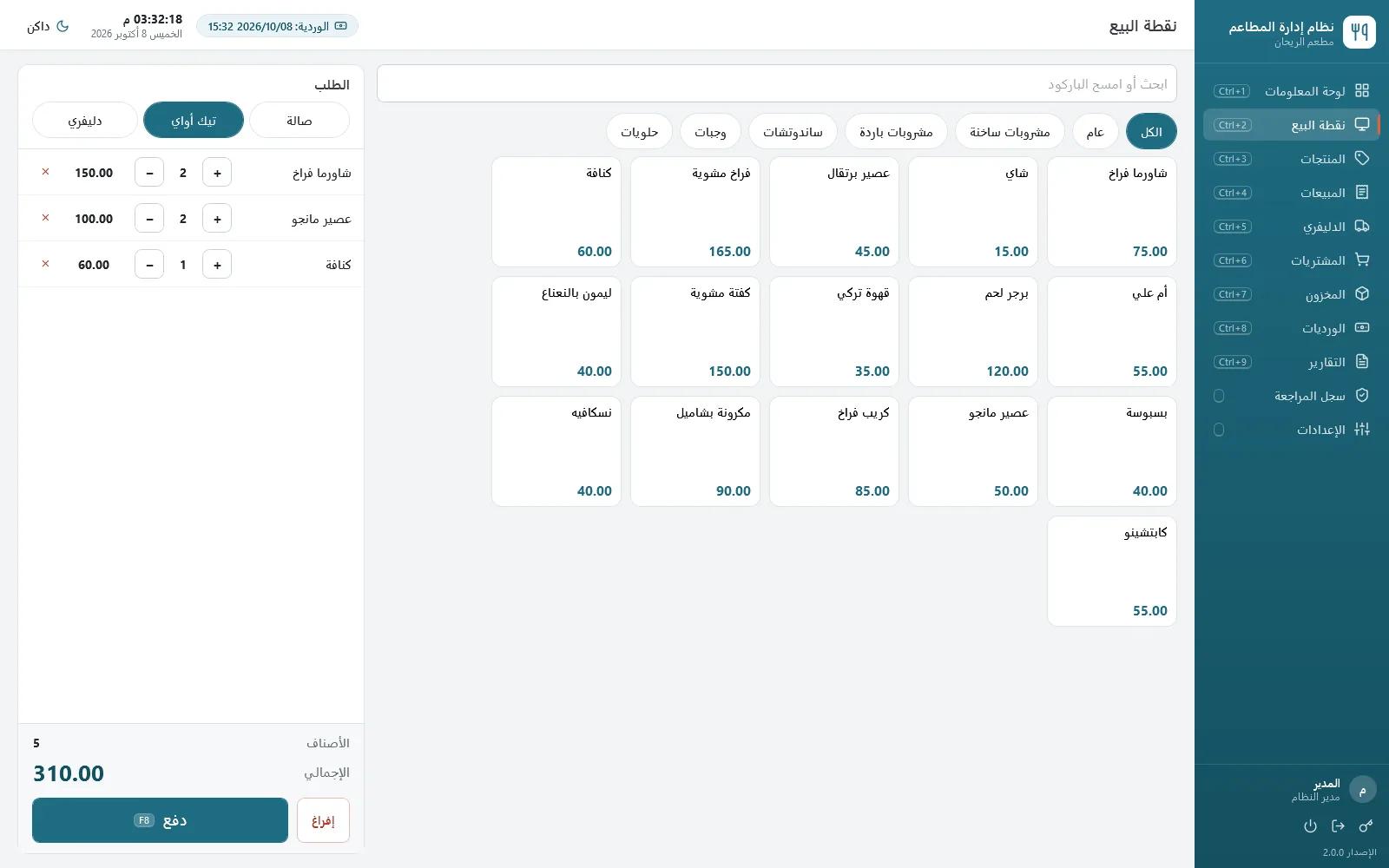
If your business is a restaurant or café, your needs are different: dine-in, takeaway and delivery, drivers, and ingredients deducted by recipe. Restaurant POS was built specifically for that.
The bottom line
Write down how your day actually runs first, then choose the program that fits it, not the other way round. If you like, look at the page of the system closest to your shop from the ones listed below, or message me on WhatsApp and tell me about your shop. I will tell you honestly which one suits you, and if the simple app is enough, I will say so.